3.1. General
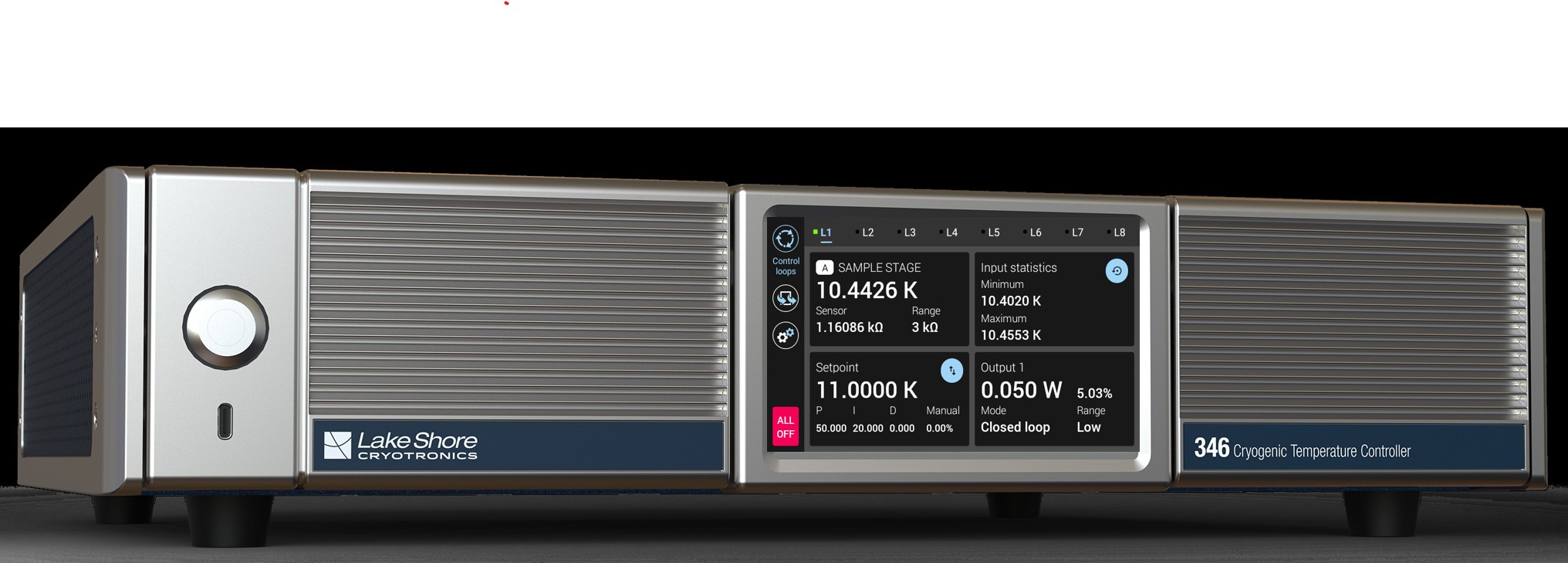
Figure 3.1 Model 346 front panel
Instrument Power
The power switch is a round metal button, located on the left side of the front panel of the Model 346, and turns line power to the instrument on and off. When the button is depressed, power is on. When the button is released, power is off.
USB-C
This port is used only for firmware updates, not for remote operation. The USB-B port on the rear panel, along with Ethernet, are used for remote communications. For more information, see the Firmware Updates section of the Service chapter.
Cold Sync™
Lake Shore is proud to offer ColdSync™, a software tool facilitates advanced setup, initial configuration, and comprehensive data monitoring. ColdSync™ is available for download on our website, and can be used to set up the Model 346 before installation, or for remote monitoring and control after installation.
ColdSync™ can be downloaded, free of charge, at https://www.lakeshore.com/resources/software