2.2. Front Panel
The Model 346 has a 5 in capacitive touch, color TFT display with LED backlight, which is used to control the instrument and display information.
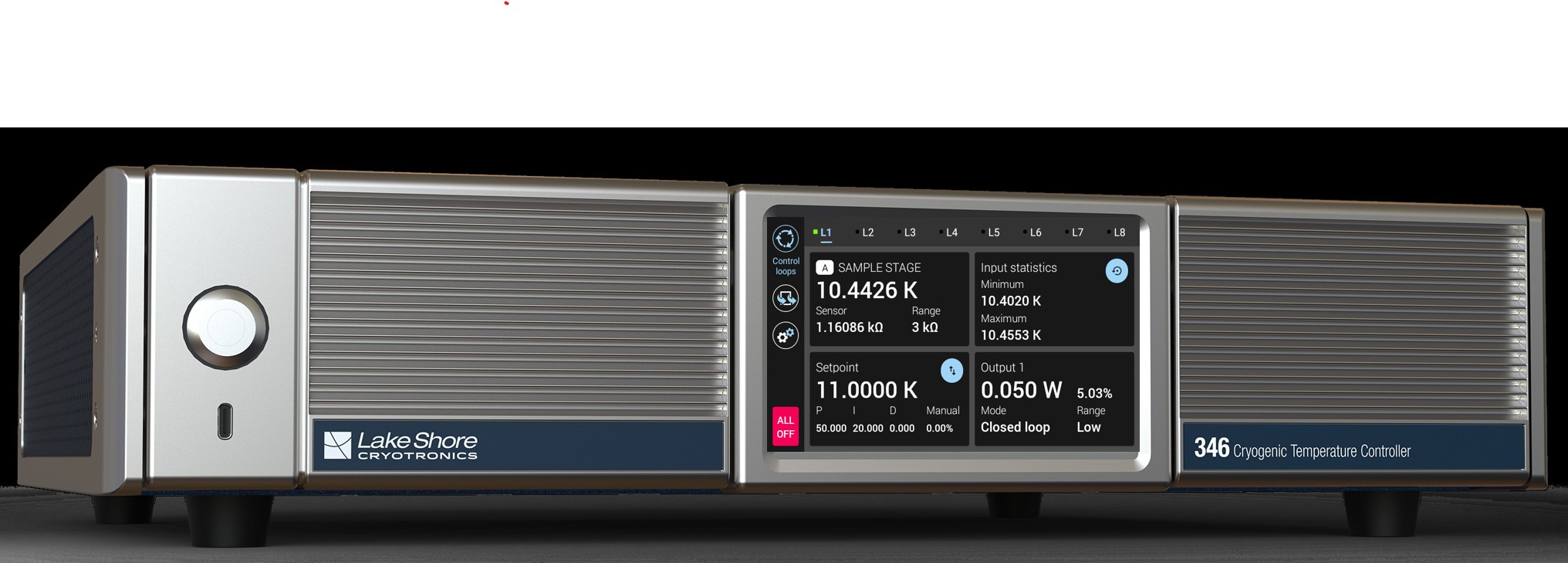
Figure 2.1 Model 346 front panel
Power button Turns line power to the instrument on and off.
TiltView™ touchscreen The screen adjusts from a 0° to a 47° viewing angle, whether mounted in a rack or on a benchtop.
USB-C™ port Connect a USB flash drive for firmware updates.
TiltView™ Touchscreen
The TiltView™ feature makes seeing the screen and operating the touch interface comfortable from any angle, even when mounted in a rack. The screen adjusts from a 0° to a 47° viewing angle, whether mounted in a rack or on a benchtop.
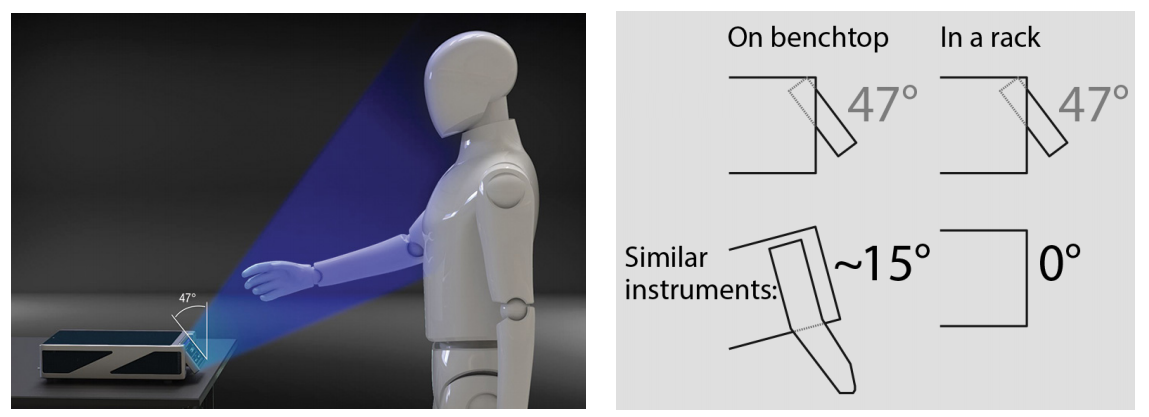
Figure 2.2 TiltView™ angle comparison